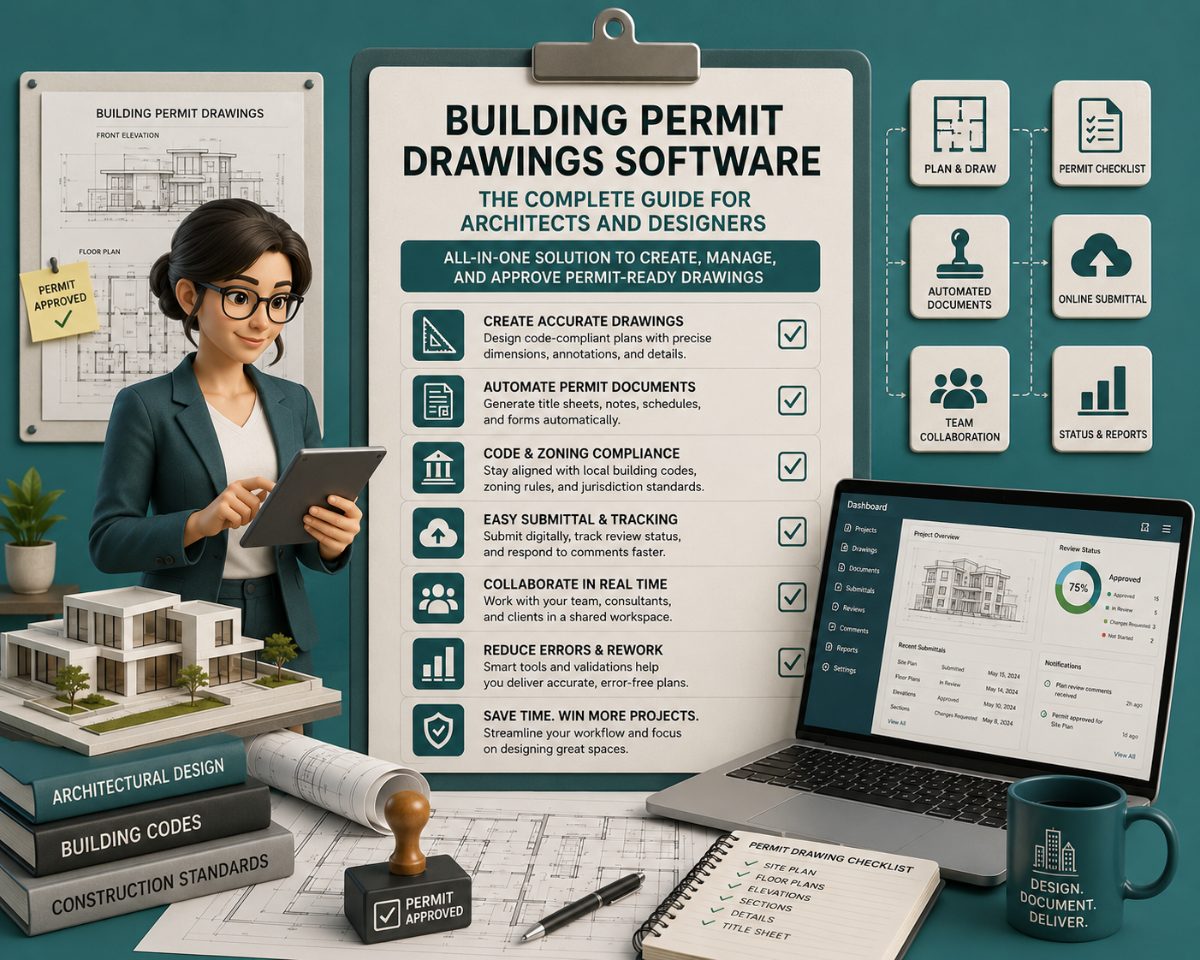
Building Permit Drawings Software: The Complete Guide for Architects and Designers
A permit set rejected at intake costs two things the drawing software cannot recover: time in the review queue and the fee for resubmission. The cause is almost..
A permit set rejected at intake costs two things the drawing software cannot recover: time in the review queue and the fee for resubmission. The cause is almost never the drawing tool. It is what the drawing does not contain — a code citation that was guessed rather than verified, a fire-resistance rating pulled from memory rather than confirmed against the adopted code edition, an accessible clearance dimensioned in the details but missing from the plans.
Building permit drawings software determines how fast the drawings are produced. Code research determines whether they pass. This guide covers both: the platforms architects and designers use to produce permit-ready sets, and the code compliance layer that determines what everyone of those drawings must contain.
What Does "Building Permit Drawings Software" Actually Mean?
The term covers two distinct tool categories that most users treat as one:
Authoring tools: CAD and BIM platforms where the drawing set is created: Revit, AutoCAD, ArchiCAD, Chief Architect. These produce the floor plans, elevations, sections, details, life safety plans, and accessibility sheets that constitute the permit set.
Review and markup tools: PDF-based platforms used after the drawing set is produced for internal QA, consultant coordination, and AHJ review: Bluebeam Revu. These do not produce drawings; they annotate them.
A third layer that most permit drawing workflows are missing:
Code research tools: Platforms that confirm which codes apply to the specific project jurisdiction and edition year, what the occupancy classification requires, and what the cover sheet code analysis block must contain per IBC Section 107.2. This layer precedes the drawing tool. Nothing produced in Revit or AutoCAD is correct until this step is completed.
The most expensive permit drawing software mistakes are made before the file is opened.
The Four Primary Building Permit Drawing Platforms
Autodesk Revit: BIM for commercial permit sets
Revit is the industry-standard authoring platform for commercial permit sets. It produces all sheet types — G-series cover sheets, A-series floor plans and elevations, LS-series life safety plans, and AD-series accessibility documentation, from a single, coordinated 3D model. When a wall moves in the model, every derived floor plan, section, elevation, room tag, and door schedule updates automatically.
Revit is the industry-leading BIM software for creating intelligent 3D models and generating accurate permit-ready construction drawings and documentation. Its parametric change engine eliminates the sheet-to-sheet coordination errors — mismatched dimensions, inconsistent door tags, walls that appear on the plan but not the section — that are among the most common permit rejection triggers.
Where Revit earns its cost for permit documentation:
Wall types referenced to a schedule, with UL listing or IBC Section 721 reference shown inline
Door and window schedules are cross-referenced at every opening with a tag
Accessible clearances that are model-based rather than applied as 2D annotations
Life safety plans generated from the same model as the architectural plans — not redrawn separately, which introduces coordination risk
Where Revit does not substitute for judgment: Revit will produce a cover sheet. It will not populate the code analysis block correctly. Occupancy classification per IBC Chapter 3, construction type per IBC Chapter 6, allowable area calculation per IBC Section 506, and the correct edition of every referenced code — these are design decisions that precede the software and that plan review scrutinizes first.
AutoCAD — 2D/3D Drafting, Universally Accepted
AutoCAD remains the most widely accepted format for permit submissions across U.S. building departments. Where Revit produces permit drawings from a BIM model, AutoCAD produces them as 2D drawings directly. The tradeoff is explicit: faster production on simple projects, higher coordination risk on complex ones.
Many architects and engineers use Bluebeam as a post-production tool for AutoCAD — first designing 2D or 3D drawings in AutoCAD, then using Bluebeam to mark them up for review. This is the dominant workflow for tenant improvement permits and straightforward commercial projects where Revit's setup overhead isn't justified by the scope.
AutoCAD is the right production tool when:
The project is a commercial TI under 5,000 sq ft with a straightforward occupancy and no complex MEP coordination
The AHJ requires DWG or PDF submissions, and the consultant team is not Revit-based
The scope does not require federated model coordination across multiple disciplines
AutoCAD's coordination limitation at permit: Sheet-to-sheet consistency is entirely manual. A column grid that shifts between the architectural plan and the structural plan, or a door tag that reads differently in the floor plan versus the door schedule, will not self-correct. These are the discrepancies plan review flags immediately. A window dimensioned as 4'-0" on the elevation but tagged as 3'-6" on the floor plan is not a typo to a plan reviewer, it is a red flag signaling a breakdown in coordination that forces them to return the set.
Graphisoft ArchiCAD — Architecture-First BIM
ArchiCAD produces permit-ready BIM documentation with a workflow optimized for architectural design rather than multidisciplinary coordination. Its native IFC support and OpenBIM compatibility make it the strongest choice for firms that work across consultant teams using different authoring platforms.
ArchiCAD is a BIM platform for architects to model buildings and produce detailed construction documents optimized for permit submissions. Like Revit, it generates plans, sections, elevations, and schedules from a single model — eliminating the manual cross-referencing that introduces coordination errors in AutoCAD-based workflows.
ArchiCAD's advantage for permit work: Its BIMcloud enables real-time team collaboration inside the model, and its native IFC export allows structural and MEP consultants working in different platforms to coordinate against the architectural model without file conversion overhead.
Where ArchiCAD yields to Revit: On large commercial projects where the structural engineer and MEP engineers are working in Revit and where the GC's VDC team will use Navisworks for coordination, ArchiCAD introduces an IFC translation step at every coordination exchange. Revit-to-Revit workflow eliminates that friction.
Bluebeam Revu — Review, Markup, and AHJ Collaboration
Bluebeam Revu is not a drawing authoring tool. It is the platform that architects, engineers, and building departments use to review, mark up, and exchange permit sets after they are produced. San Francisco's Department of Building Inspection uses Bluebeam Studio Sessions for plan review — reviewers mark up submitted PDF sets directly in Bluebeam, with an audit trail on every annotation.
For design teams, Bluebeam serves two critical permit workflow functions:
Internal QA before submission — comparing current sheets against previous versions using overlay detection, cross-checking dimensions between architectural and structural sheets, and generating a marked-up correction set for the project team before the package goes to the AHJ.
Resubmission response management — when plan review returns corrections, Bluebeam's markup tools allow the architect to annotate the correction set with responses, cloud the revised areas, and issue a revision package that reviewers can process efficiently. Bluebeam creates 2D and 3D PDFs directly from Revit, AutoCAD, Navisworks, and SketchUp, keeping the PDF set linked to the source model.
What Building Permit Drawings Software Cannot Do?
What can you ask? (Sample questions)
- How do local code amendments modify the base IBC requirements?
- What triggers the need for a building permit?
- What plan review documents are typically required?
- How do jurisdictional amendments affect fire and structural codes?
Every platform listed above produces drawings. None of them determines what those drawings must contain. That distinction matters because the most expensive permit failures happen before the first sheet is drawn.
The most frequent causes of permit rejection and delay are incomplete submissions — missing sheets, unspecified materials, or absent structural calculations, and coordination errors between architectural, structural, and services drawings. Both are upstream of the drawing software.
The cover sheet code analysis block is where plan review begins. It must contain, at minimum: applicable codes with edition year, occupancy classification per IBC Chapter 3, construction type per IBC Chapter 6, sprinkler status, allowable area calculation per IBC Section 506 (including the frontage increase per Section 506.3), allowable height per IBC Tables 504.3 and 504.4, and occupant load summary per IBC Table 1004.5. Revit does not generate this. AutoCAD does not generate this. The architect researches it, confirms it against the adopted code for the jurisdiction, and enters it manually. An error here — wrong occupancy, wrong construction type, wrong code edition — creates corrections across every sheet the reviewer reads next.
Code edition mismatch between disciplines is caught at intake before substantive review begins. The architect cites the 2021 IBC on the cover sheet; the structural engineer's general notes reference the 2018 IBC. Automatic correction. NEC adoption varies state-by-state: as of early 2025, 17 states enforce the 2023 NEC, 21 states use the 2020 NEC, and 6 states remain on the 2017 NEC. The electrical engineer citing the wrong NEC edition is a drawing software problem only in the sense that someone typed it wrong — the error is a code research failure.
Accessibility clearances not dimensioned are the second most common plan review failure after site plan errors. Plan review does not accept implied clearances. Every toilet room turning radius (60 inches minimum per 2010 ADA Standards Section 304), every door maneuvering clearance (Section 404), and every accessible parking stall (Section 502) must be explicitly dimensioned, not referenced to a standard detail and assumed compliant. Drawing software places the geometry; the architect must confirm that the geometry meets the requirements.
Deferred submittals listed on the cover sheet per IBC Section 107.3.4.1 must name every item that will be submitted after permit — fire suppression, fire alarm, curtain wall engineering, and special inspections. If an MEP system appears in the consultant drawings but is not listed on the deferred submittal list, intake rejects the package before plan review begins.
The Permit Drawing Software Stack: What Each Tool Does
Tool | Role in Permit Workflow | Produces Drawings | Verifies Code |
Autodesk Revit | BIM authoring — commercial permit sets | Yes | No |
AutoCAD | 2D drafting — TI and residential permit sets | Yes | No |
Graphisoft ArchiCAD | BIM authoring — architecture-focused sets | Yes | No |
Bluebeam Revu | PDF review, markup, QA, AHJ collaboration | No (PDF only) | No |
Melt Code | Code research — occupancy, IBC sections, jurisdiction amendments | No | Yes |
The gap between columns three and four in this table is where permit sets fail plan review.
How to Choose the Right Building Permit Drawing Software
The correct platform depends on project type, team composition, and AHJ requirements — not on feature lists.
Choose Revit when:
The project is commercial new construction or a complex TI above 10,000 sq ft
Structural and MEP consultants are also working in Revit
The permit set requires a life safety plan, accessibility documentation, and multi-disciplinary coordination that must stay synchronized
The GC will use the model downstream for BIM coordination
Choose AutoCAD when:
The project is a commercial TI under 5,000 sq ft with a single occupancy
The consultant team is not BIM-based
The AHJ accepts PDF or DWG submissions, and the project doesn't require federated model coordination
Speed of production outweighs model-based coordination benefits
Choose ArchiCAD when:
The firm's workflow is architecture-focused with strong design iteration requirements
Consultants are working in mixed platforms and an IFC exchange is required
The practice runs Mac-based workflows where Revit's Windows dependency creates friction
Use Bluebeam regardless of the authoring tool:
For internal QA before every permit submission
For resubmission response packages that clearly identify revised areas
For AHJ jurisdictions that use Bluebeam Studio Sessions for digital plan review
Resolve code analysis before opening any of them:
Confirm the adopted code editions for the jurisdiction — IBC year, NEC year, local amendments
Confirm occupancy classification per IBC Chapter 3 and construction type per IBC Chapter 6
Confirm whether state amendments modify the model code provisions that govern the project
Document all of this in the cover sheet code analysis block before drawing production begins
Common Permit Drawing Rejections and the Software Response
Conflicting dimensions between sheets. Floor plan shows a 4'-0" corridor; section cuts it at 3'-6". To a plan reviewer, mismatched dimensions between sheets are not typos — they are immediate signals of a coordination breakdown that forces the package back to the design team. Revit eliminates most of these by deriving all views from the same model. AutoCAD requires manual cross-checking. Bluebeam's overlay comparison tool catches them before submission in either workflow.
Missing or incomplete code analysis block. The most common reason for permit rejection is incomplete or inaccurate documentation — often missing site plan information, incorrect setback calculations, or insufficient construction details. At the cover sheet level, an incomplete code analysis block means the reviewer cannot use it as a lens for the rest of the set. The package stops here. No drawing software generates this block — it requires confirmed code research.
Accessibility clearances shown without dimensions. A toilet room detail that shows a turning circle but does not dimension it is not a compliant detail. Plan review will not assume compliance. The clearance must be explicitly dimensioned at the correct scale (1/4" = 1'-0" minimum for enlarged toilet room plans) with the ADA Standards section reference shown. Software places the geometry; the architect must add the dimension and the citation.
Deferred submittal item not listed on cover sheet. A sprinkler system appears on the mechanical drawings. It is not listed on the cover sheet deferred submittal list per IBC Section 107.3.4.1. Intake rejects the package. The fix is a cover sheet revision — thirty minutes of work that costs two weeks in the queue.
Rated assembly shown without UL listing or IBC Section 721 reference. A 2-hour fire barrier is shown on the life safety plan. The wall type schedule identifies the assembly but does not cite the UL design number or the IBC Section 721 calculation method. Plan review will not approve a rated assembly without a compliant assembly reference. Software draws the wall; the architect must populate the schedule correctly.
Frequently Asked Questions
What software is used to create building permit drawings?
The primary platforms are Autodesk Revit (BIM, dominant for commercial permit sets), AutoCAD (2D drafting, widely accepted for TI and residential), and Graphisoft ArchiCAD (architecture-focused BIM). Bluebeam Revu is used for PDF markup and review after the drawings are produced, not for authoring. Chief Architect and SketchUp Pro are common for residential permit sets. The choice of platform does not determine permit approval — the accuracy of the code analysis embedded in the drawings does.
Do I need BIM software to create permit drawings, or will AutoCAD work?
AutoCAD is accepted by virtually every AHJ in the U.S. for permit submissions. Whether BIM is required depends on project complexity. For a straightforward commercial TI with a single occupancy and no complex MEP coordination, AutoCAD is sufficient and often faster. For new commercial construction above 5,000 sq ft with structural and MEP consultants, Revit's model-based coordination eliminates the sheet-to-sheet consistency errors that cause the most permit corrections.
What is the most common reason building permit drawings get rejected?
The most frequent causes are incomplete submissions — missing sheets, unspecified materials, or absent structural calculations, and coordination errors between architectural, structural, and MEP drawings. At the cover sheet level, an incomplete or incorrect code analysis block stops the package at intake before plan review begins. Accessibility clearances shown without dimensions and rated assemblies shown without UL listing or IBC Section 721 references are the most common substantive corrections after intake.
What does the IBC require construction documents to include?
IBC Section 107.2 requires construction documents of sufficient clarity to show the location, nature, and extent of the work and to verify that the proposed work conforms to the provisions of the code. In practice, this means: site plan with setbacks and property lines, floor plans at 1/8" = 1'-0" minimum, life safety plan with occupant loads and egress paths, accessibility documentation with all clearances dimensioned, structural drawings with a statement of special inspections per IBC Section 1704, MEP drawings stamped where state law requires, and a deferred submittal list per IBC Section 107.3.4.1 on the cover sheet.
What scale should building permit drawings be drawn at?
Floor plans at 1/8" = 1'-0" minimum; enlarged plans (toilet rooms, stairs, kitchens) at 1/4" = 1'-0" or larger; wall sections at 3/4" = 1'-0"; construction details at 1-1/2" = 1'-0" or larger. Most AHJs reject sheets drawn at smaller scales for illegibility. For large buildings, the correct solution is a keyed plan at 1/8" = 1'-0" with enlarged key plan areas, not reducing the overall scale below 1/8".
Can I submit permit drawings as PDFs, or must I submit CAD files?
Most U.S. jurisdictions now accept,, and many require, digital PDF submissions. Some AHJs require PDFs to be vector-based rather than raster scans, which means they must be exported from the CAD or BIM software directly, not printed and scanned. Chicago's Department of Buildings specifically encourages CAD or BIM-generated vector files and accepts scanned hand-drafted material only if it meets all other requirements. Confirm the specific submission format with the local building department before production — format requirements vary by jurisdiction and are not governed by the IBC.
What is Bluebeam used for in the permit process?
Bluebeam Revu is used by architects and engineers for internal QA review before submission, by consultants for coordinating markups across the drawing set, and by building departments for digital plan review. Many AHJs, including San Francisco DBI, conduct plan review entirely within Bluebeam Studio Sessions. For design teams, Bluebeam's sheet comparison and overlay tools are the most practical way to catch dimension conflicts and revision tracking errors before the permit package leaves the office.
Related Building Code Resources
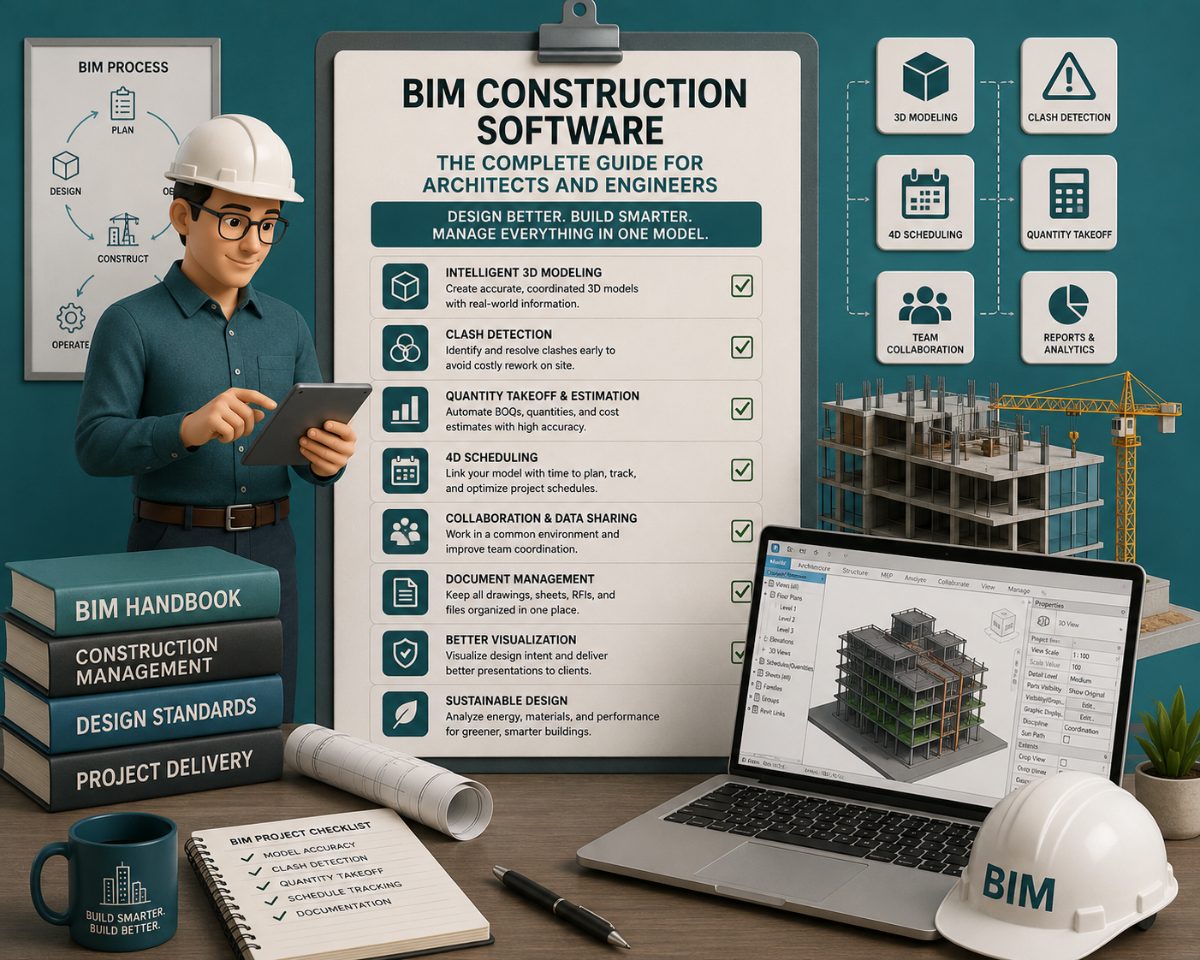
- Overview GuideBIM Construction Software: The Complete Guide for Architects and Engineers
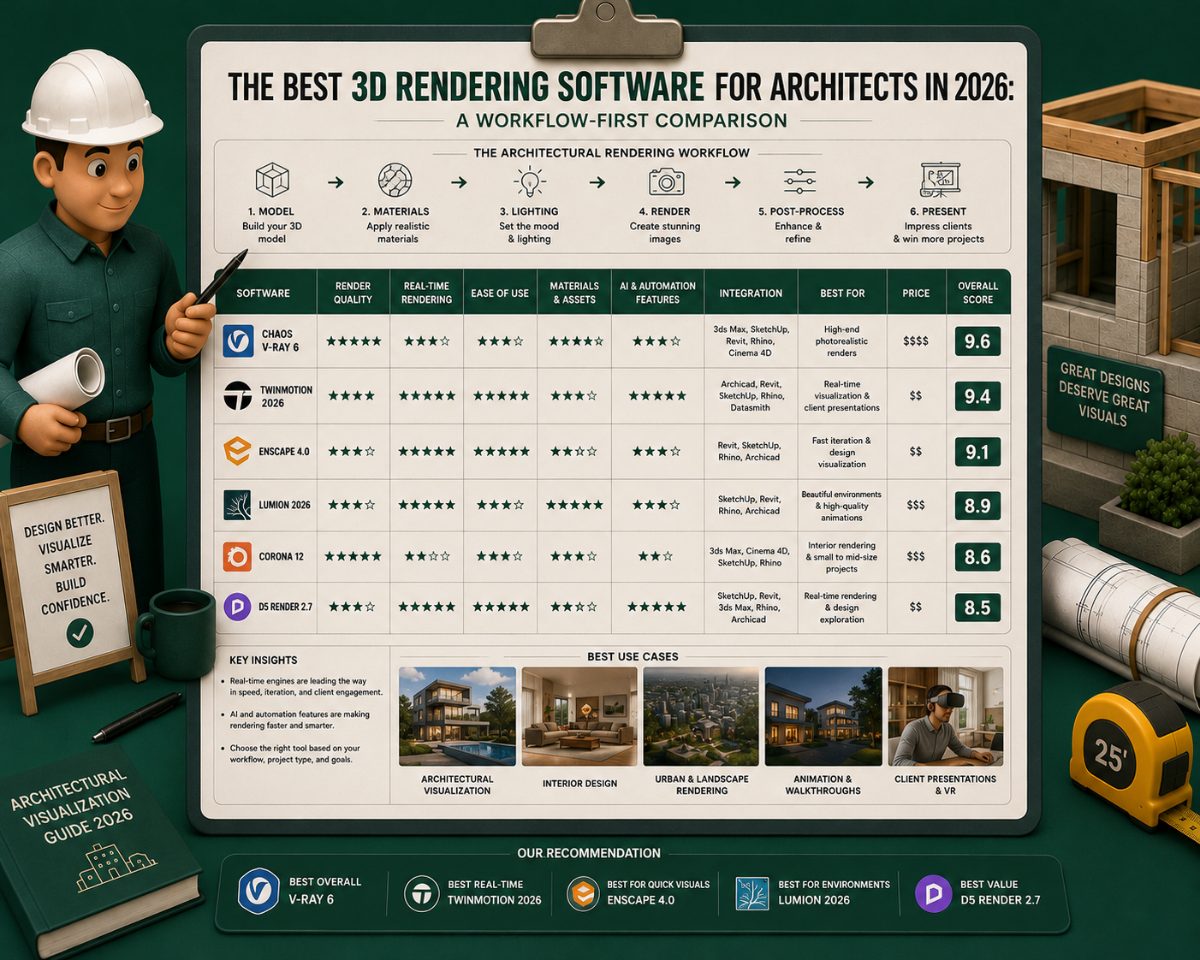
- Building CodesThe Best 3D Rendering Software for Architects in 2026: A Workflow-First Comparison
- Building CodesBest AI to Generate Floor Plans: A Professional Comparison for Architects and Designers
- Building CodesArchitectural Design Software in 2026: A Workflow-First Comparison With Per-Stage Tool Comparisons
- Building CodesBIM Construction Software in 2026: A GC's Guide to Coordination, Clash Detection, and Quantity Takeoff
MeltPlan
A curated stream of preconstruction intelligence, estimating innovation, takeoff breakthroughs, workflow advancements, and expert perspectives—powered by the AI and technology shaping the future of construction.
Visit SiteDon't miss what's shaping AEC
Don't miss what's shaping AEC The latest on preconstruction, codes, AEC news & trends — so you're al